Depth Map To Point Cloud Converter 3D
1 개요
카메라의 내부 파라미터를 사용해 Depth Map Image에서 Point Cloud를 생성합니다.
기본적으로 위와 같은 Projection Model을 사용합니다.
2 알고리즘 상세 설명
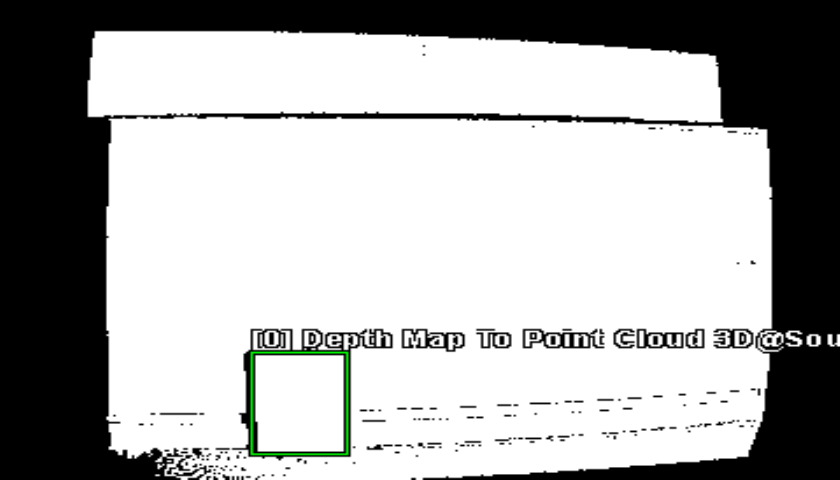
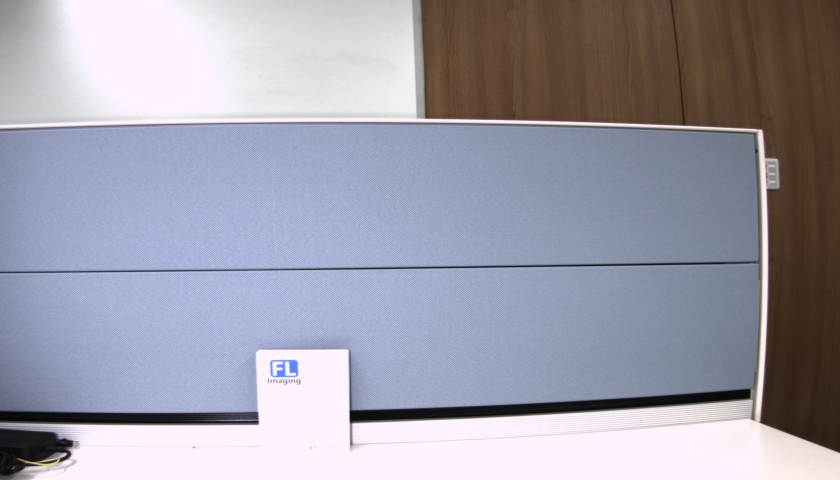
| Depth Map Image | Texture Image | Result Point Cloud |
|---|---|---|
 |
 |
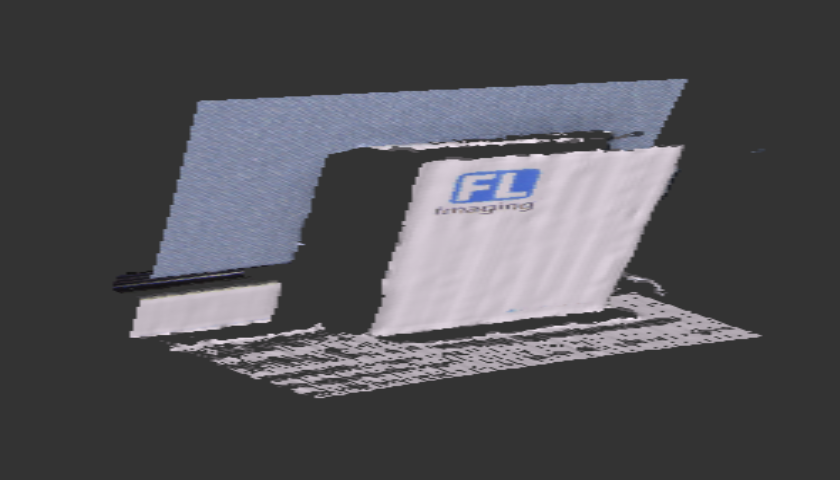 |
Fig. Depth Map Image, Texture Image, ROI 설정 및 실행 결과
3 파라미터 설정
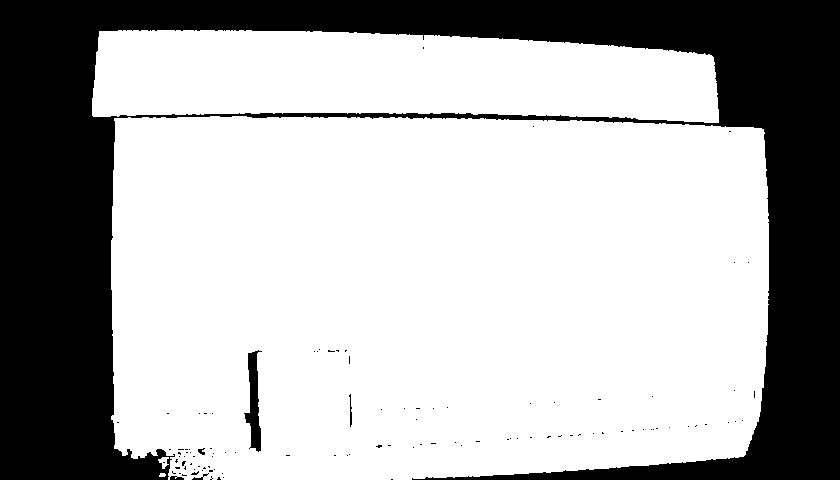
| Depth Map Image | Texture Image |
|---|---|
 |
|
- Color Camera, Depth Camera가 나누어진 경우 두 카메라 중 정렬의 기준이 되는 카메라의 Intrinsic Parameter를 사용해야합니다. 위 예시는 Depth Map Image가 Texture에 맞춰 정렬된 결과이며, Point Cloud 생성 시 Color Camera의 Intrinsic Parameter를 사용합니다.
-
SetIntrinsicParameter(CFLPoint<float> flpFocalLength, CFLPoint<float> flpPrincipalPoint)- 카메라 내부 파라미터를 설정합니다.
- flpFocalLength, flpPrincipalPoint : 카메라의 초점 거리 및 주점
-
SetDistortionCoefficient(CFLArray<double> flaDistortionCoeff)- 카메라 왜곡 계수를 설정합니다.
- flaDistortionCoeff : 카메라 왜곡 계수
-
const CResult SetDirectionType(EDirectionType eDirectionType);- z축의 증가 또는 감소 방향을 바라보는 방향으로 지정할 수 있습니다.
- EDirectionType_Increment : 증가 방향
- EDirectionType_Decrement : 감소 방향
-
EnableIncludeNormalVector(bool bNormal)- 법선 벡터를 계산하여 결과에 포함할지 여부를 설정합니다.
- true : 법선 벡터를 계산합니다.
- Default Value : true
4 예제 코드
CDepthMapToPointCloudConverter3D DepthMapToPointCloud;

CFLImage fliSourceImage;
DepthMapToPointCloud.SetSourceImage(fliSourceImage);

CFLImage fliTextureImage;
DepthMapToPointCloud.SetTextureImage(fliTextureImage);

CFL3DObject floDestinationObject;
DepthMapToPointCloud.SetDestinationObject(floDestinationObject);
DepthMapToPointCloud.SetDirectionType(EDirectionType::EDirectionType_Increment);

CFLPoint<float> flpFocalLength;
CFLPoint<float> flpPrincipalPoint;

DepthMapToPointCloud.SetIntrinsicParameter(flpFocalLength, flpPrincipalPoint); // 카메라 내부 행렬 설정

CFLArray<double> flaDistortionCoef;
flaDistortionCoef.PushBack(0);
flaDistortionCoef.PushBack(0);
flaDistortionCoef.PushBack(0);
flaDistortionCoef.PushBack(0);
flaDistortionCoef.PushBack(0);
DepthMapToPointCloud.SetDistortionCoefficient(flaDistortionCoef); // 왜곡 계수 설정

DepthMapToPointCloud.Execute();